


How Browser Slots Work Without an APK: HTML5, WebGL & WebSocket Technical Guide
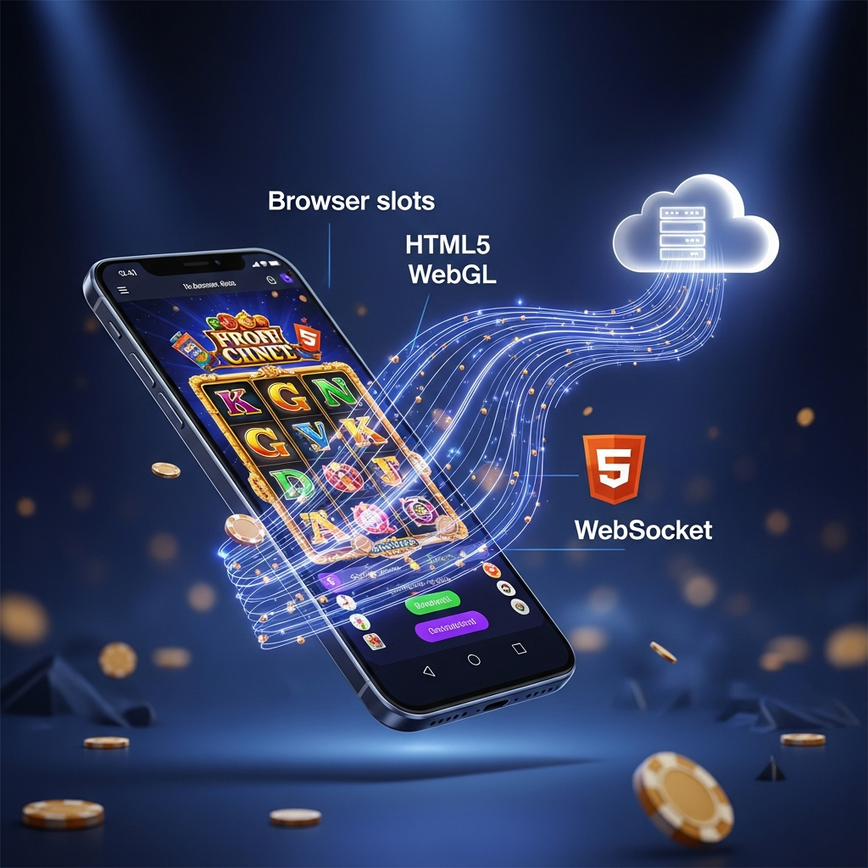
“Browser slots” is now the default delivery model for online slot gaming in Malaysia. Almost every major studio — Pragmatic Play, PG Soft, Playtech, the entire 13-provider browser-native library on Pirate777 — ships their games as HTML5 web applications that run directly in Chrome, Safari, or Edge with no installation required. Our companion article, Browser vs APK: Why No-Download Slots are Malaysia’s 2026 Gaming Standard, explains the strategic case. This guide explains the technical mechanism — how exactly a slot game runs in your phone’s browser without an APK.
The three pieces that make browser slots work
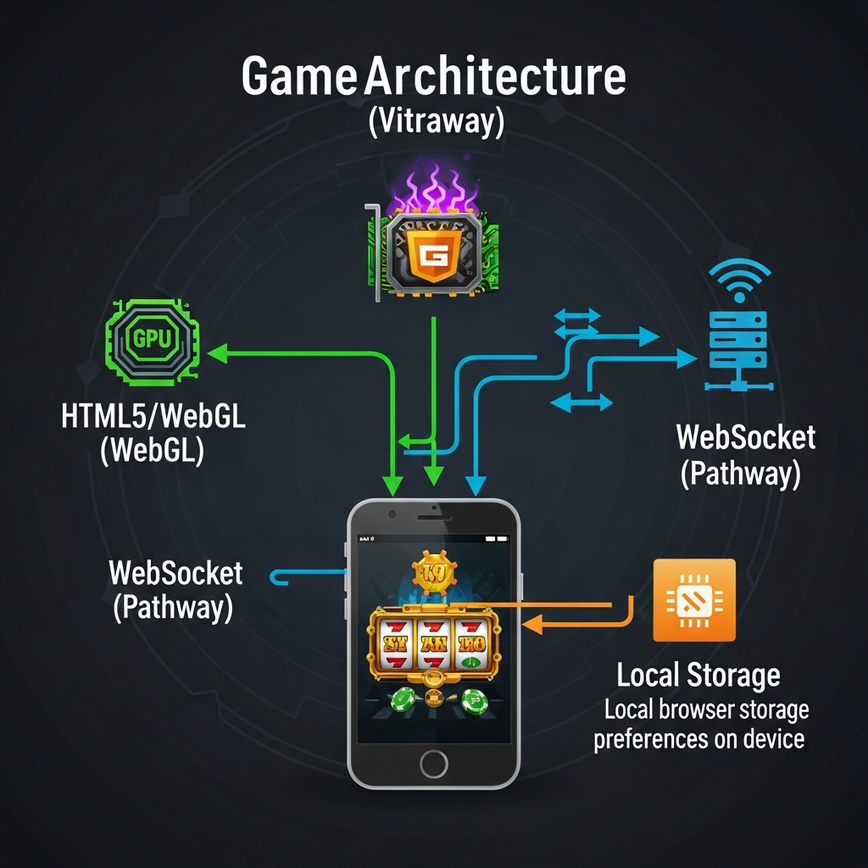
A modern browser slot is built from three interlocking technologies, none of which require an installed app:
1. HTML5 Canvas and WebGL for rendering. The slot’s visual layer — reels, symbols, animations, win celebrations — is drawn into a Canvas element that your browser exposes to web pages. For visually rich games (most PG Soft and Pragmatic Play titles), WebGL is layered on top of Canvas to give the slot access to your phone’s GPU, which is how PG Soft achieves 60fps animation on a mid-tier Android device. Both Canvas and WebGL are part of the HTML5 standard that has shipped in every mainstream browser since around 2014. No plugin, no app, no Flash.
2. WebSocket connection for live game state. When you tap “Spin,” your browser does not calculate the result locally — that would be unsafe and would break the certified-RNG fairness model. Instead, the browser sends a “spin request” over a persistent WebSocket connection to the studio’s game server. The server runs the slot’s certified RNG, calculates the outcome, and sends back the symbol grid, any wins, and the new credit balance. The browser then renders the result. The round-trip is typically under 100 milliseconds on a normal Malaysian 4G or Wi-Fi connection — fast enough that you do not perceive the network hop.
3. Local browser storage for session continuity. Your login token, language preference, and recently-played list live in your browser’s local storage. Game results never live locally — they always live server-side, which is why you can switch from your phone to a desktop and continue with the same account state.
Why every meaningful piece is server-side
Server-side game state is what makes browser slots possible — and also what makes them safer than APK slots in most respects.
The slot’s RNG runs on the studio’s certified game server, not on your phone. Your browser is a rendering surface; the actual game logic — random outcome generation, win calculation, balance adjustment, bonus trigger detection — happens on hardware the studio physically controls. This is what BMM Testlabs, iTech Labs and GLI certify when they audit the studio: the server’s mathematical model, not the device’s rendering.
Because the heavy lifting happens server-side, your phone only needs enough horsepower to render graphics and process touch input — both extremely modest requirements. A four-year-old phone with 3GB of RAM can run Mahjong Ways 2 smoothly in Chrome.
Compare this to an APK slot like Mega888 or 918Kiss: the APK ships a substantial chunk of the slot’s UI, asset library, and even some logic locally onto your device. That is why APK slots take 60–100MB of storage per app and require updates when the studio ships new games. Browser slots do not have that overhead — new games appear in the catalogue on the studio’s server, and your browser fetches them when you tap them, no install required.
The browser security model — why this is safer than installing an APK
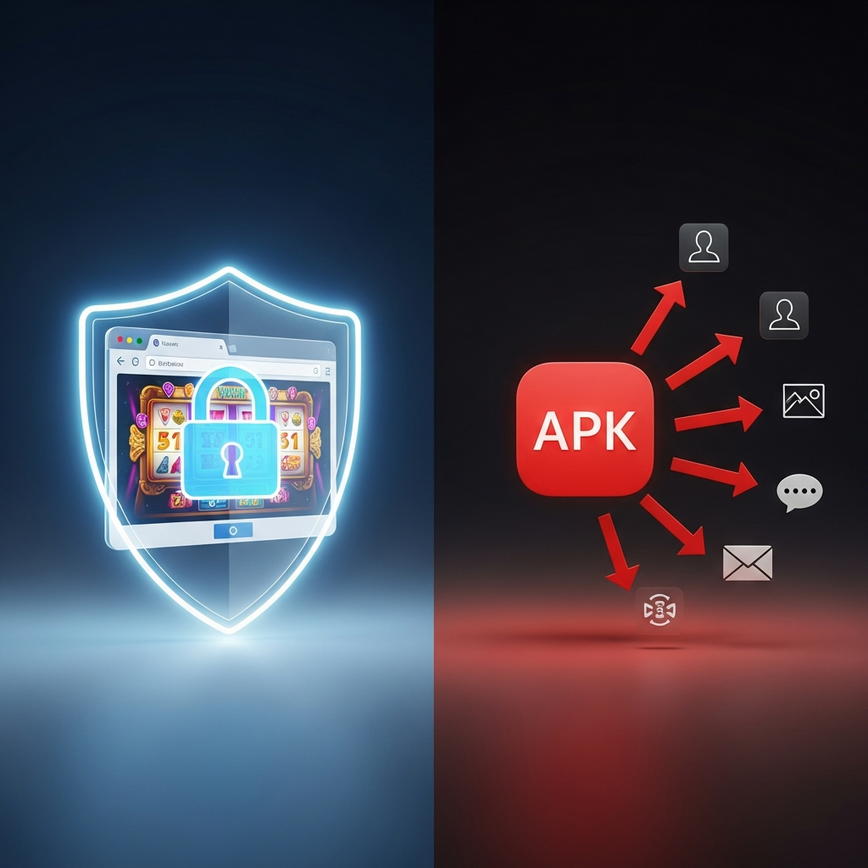
Every modern mobile browser (Chrome, Safari, Firefox, Edge on Android and iOS) runs every web page inside a strict sandbox. The sandbox can:
- Display content on screen.
- Receive touch and keyboard input.
- Send and receive network traffic to permitted domains.
- Read and write to a small storage area scoped to the page’s domain only.
The sandbox cannot:
- Read other apps’ data.
- Access your contacts, SMS messages, photo library, or location without an explicit prompt.
- Run code in the background after you close the tab.
- Modify system settings or install other software.
An installed Android APK has none of these restrictions by default. When you grant a gambling APK the permissions it requests at install time, you are effectively giving an unknown developer broad access to your device. That is the security trade-off our Security Alert: How Browser Slots Protect You from Malicious Gambling APKs covers in detail.
What happens in the first ten seconds when you tap a slot
Step through what your phone actually does when you tap “Play” on a PG Soft slot on Pirate777:
- 0ms. Your browser requests the slot’s launcher page from Pirate777.
- ~200ms. Pirate777 returns the launcher with your authenticated session token embedded.
- ~500ms. The launcher hands off to the studio’s CDN (content delivery network), which serves the slot’s asset bundle — sprite sheets, audio files, the game’s Javascript engine.
- ~2,000ms. Asset bundle arrives. The engine initializes the Canvas, loads sprites into GPU memory via WebGL, and opens a WebSocket connection to the studio’s game server.
- ~3,000ms. The WebSocket connection authenticates with your session token. The game server returns your account balance and the initial reel state. The slot renders the home screen.
- Spin onward. Each tap on “Spin” sends a tiny message over the open WebSocket; the server computes; the browser renders the result. No further large downloads.
The first three seconds are the only meaningful loading. After that, the game is responsive at network-RTT speed, which on a Malaysian 4G connection is typically 30–80ms.
Battery and data — what to actually expect
For a one-hour browser slot session on a mid-tier Android phone:
- Battery: 8–15% drain, dominated by screen brightness and GPU rendering. WebGL-heavy slots (PG Soft, Pragmatic Play) sit at the higher end. Lower-graphics slots (Apollo, YGR) sit at the lower end.
- Mobile data: 5–15MB. The initial 2–3MB is the asset bundle (cached after first play). Spin messages are tiny (a few hundred bytes each).
- Performance: Stable 60fps on phones with mid-tier GPUs. Older phones (pre-2020) drop to 30fps on visually intensive titles but remain playable.
Our Performance Audit guide covers settings that extend battery life without breaking the gameplay loop.
Related reading on the browser model
- Browser vs APK: Why No-Download Slots are Malaysia’s 2026 Gaming Standard
- Storage Full? How to Access 1000+ Slots with 0MB Download on Pirate777
- Security Alert: How Browser Slots Protect You from Malicious Gambling APKs in 2026
- Performance Audit: Maximizing Frame Rates and Battery Life for Browser Slots
Nothing breaks. The spin outcome is calculated server-side and is committed to your balance the moment the server processes the spin request. Closing the tab interrupts only the visual animation — when you log back in, your balance reflects whatever happened on the server.
That is the asset bundle download — graphics, sounds, the slot’s Javascript engine. Once cached, subsequent loads of the same slot are nearly instant. Clearing browser cache will reset the bundle, requiring a fresh download.
No. Every spin’s outcome is calculated by the studio’s certified RNG on their server, not by your browser. The browser only displays the result. This is why browser slots clear the same RNG certification audits as native apps.
No. Browser sandboxing prevents tabs from running when the screen is off or the browser is in the background. This is a deliberate safety property — it prevents rogue web pages from draining your battery or burning your mobile data unnoticed.
Both work. iOS Safari, iOS Chrome, Android Chrome and Android Firefox all support the HTML5/WebGL/WebSocket stack that browser slots need. Performance is comparable across modern devices on either OS.
Players must be 18+ to participate. Play responsibly — set time and budget limits before you start.
— Pirate777 Team